
Interested in an API? Don't have an account? Here's how to do both at the same time.
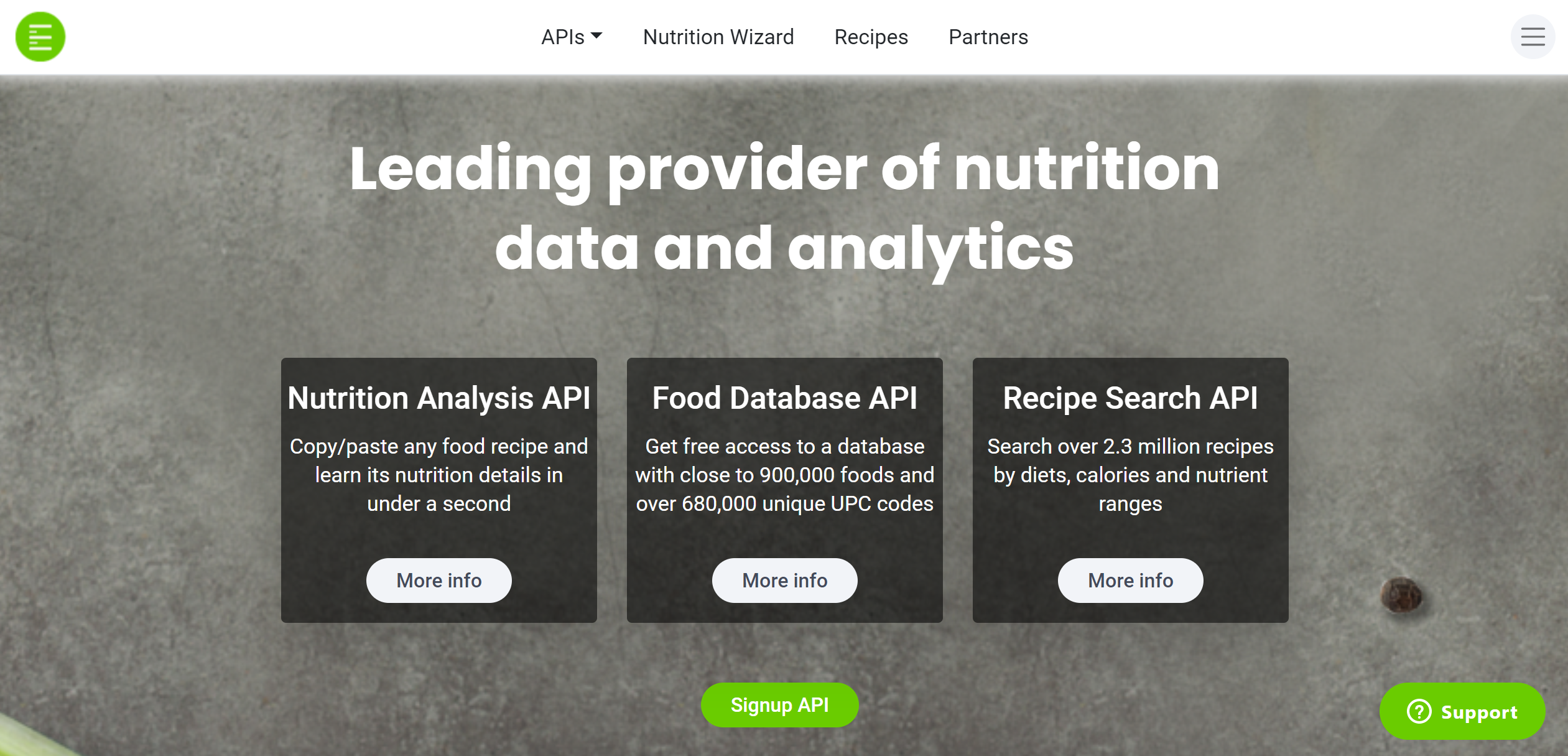
Starting from the homepage at Edamam.com, we must click on the APIs tab in the top center of the page.
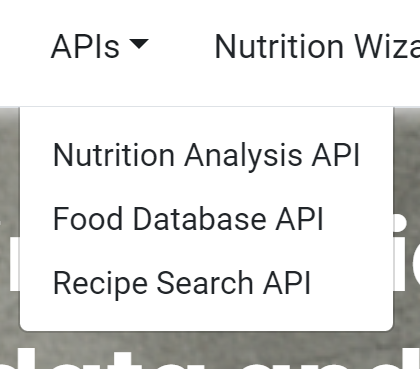
Here we will see the full list of APIs that we offer. As an example, we will be using the Recipe Search API. Click on "Recipe Search API."
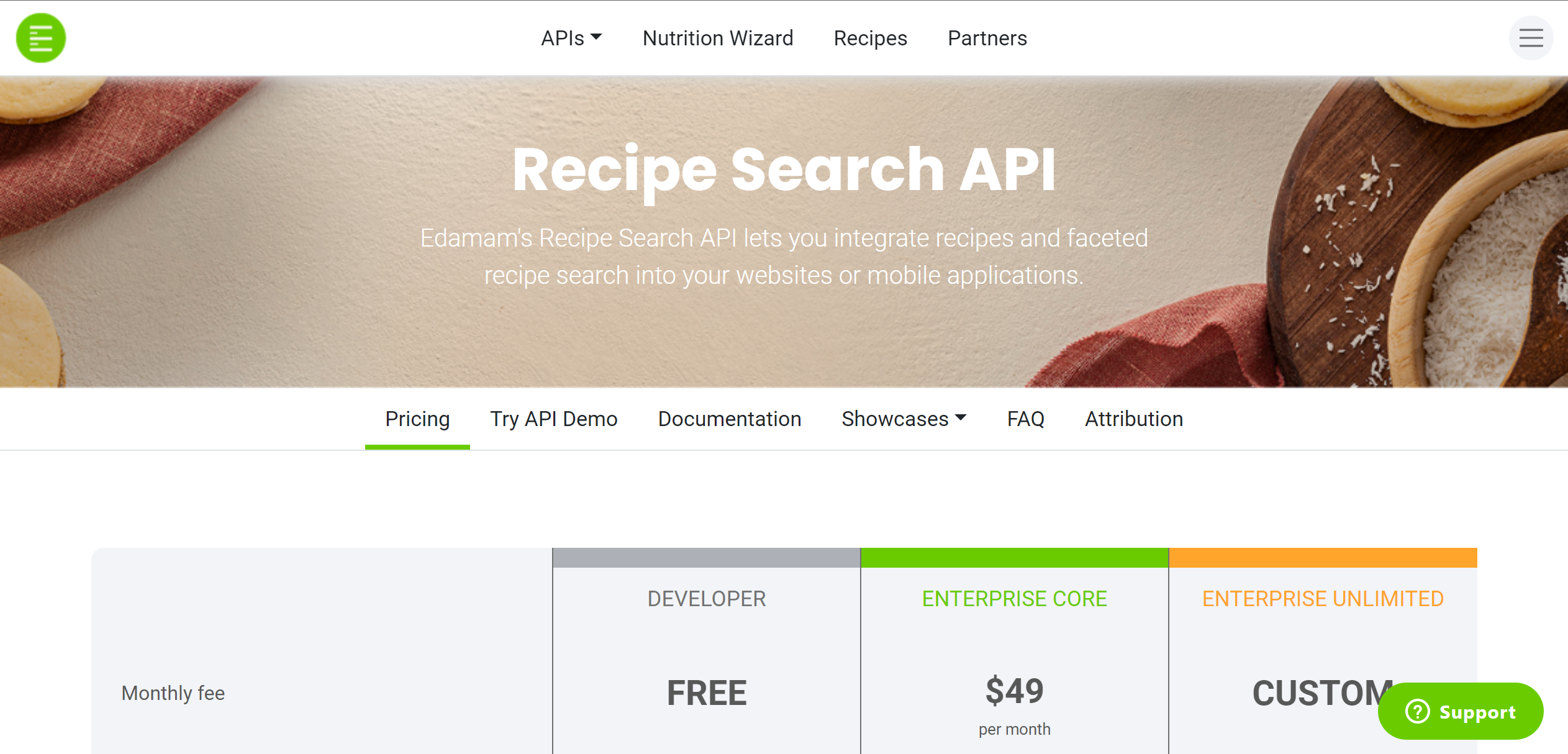
Once on the Recipe Search API page, we will scroll down to get a better look at the API plans.
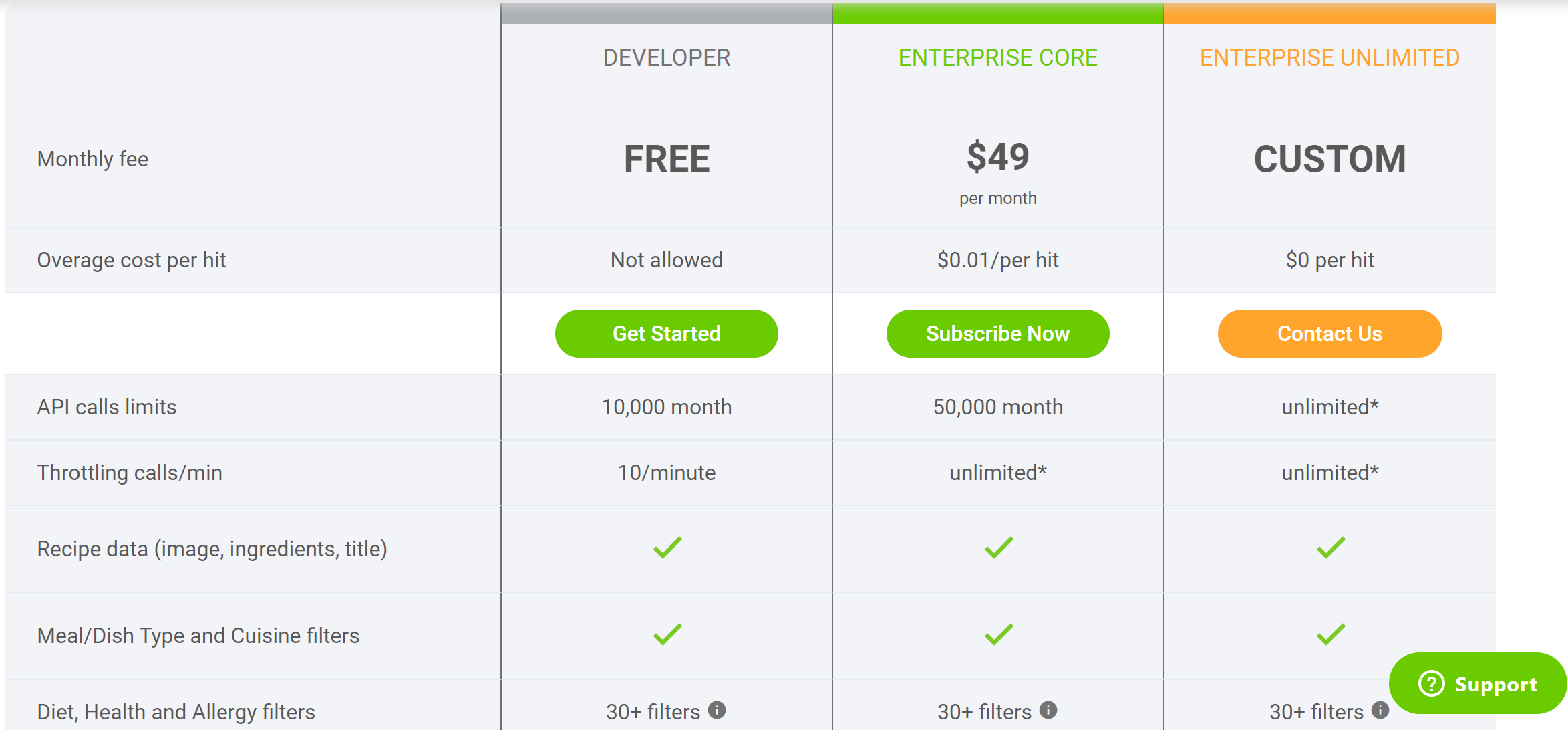
Under the "Developer" plan, you should see the "Get Started" button. Click this, and a form will open up.
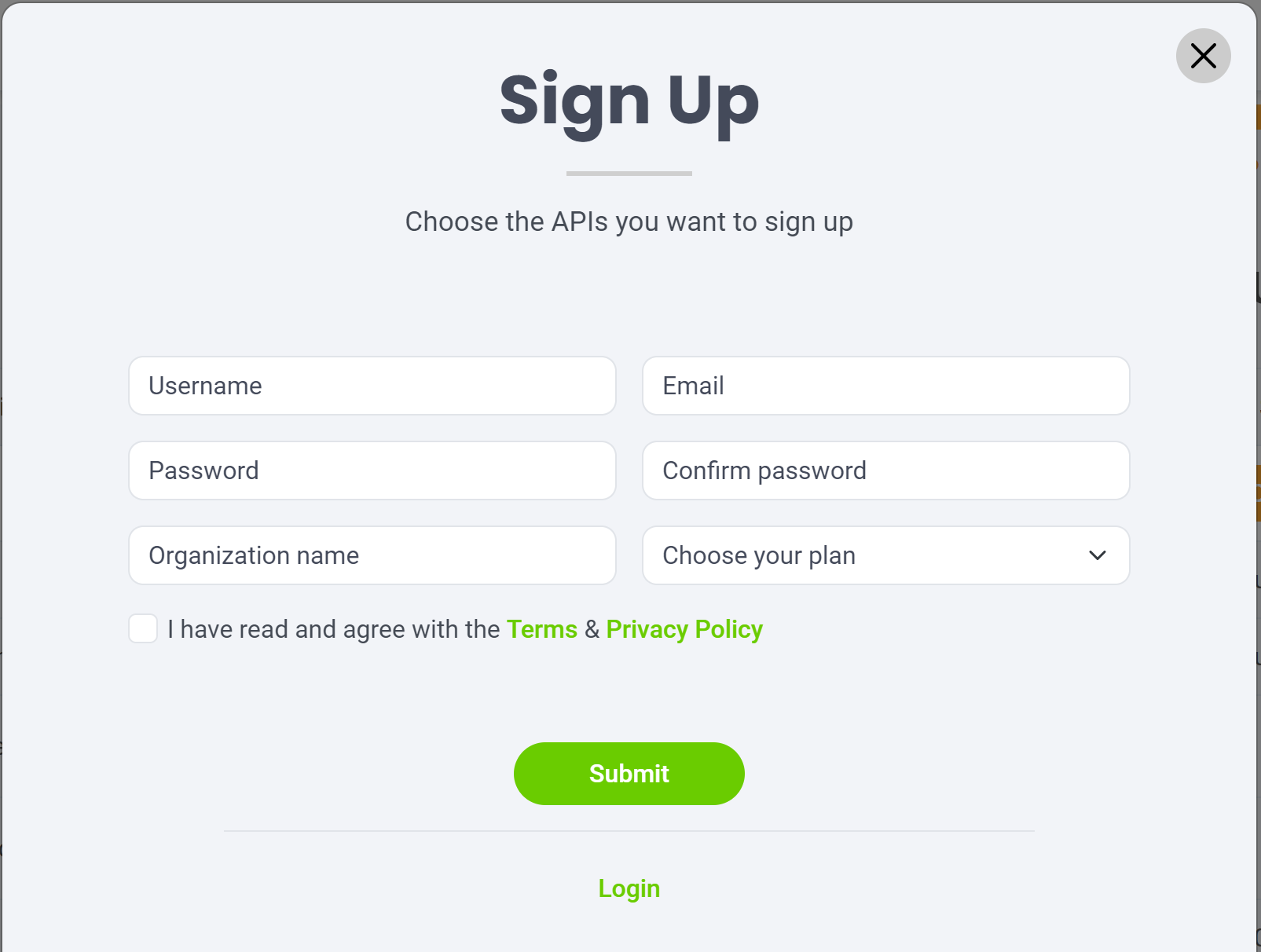
Fill this out, and you will have a developer account, as well as an application containing your app_id and app_key for the API you signed up for. If you wish to view your app_id and app_key you can do so by looking at your Applications following these instructions: Accessing Your App_ID & App_Key (zendesk.com).
This process is the same when signing up for the Nutrition Analysis and Food Database APIs.
Comments
0 comments
Please sign in to leave a comment.