
Here is how to get your App ID and App Key.
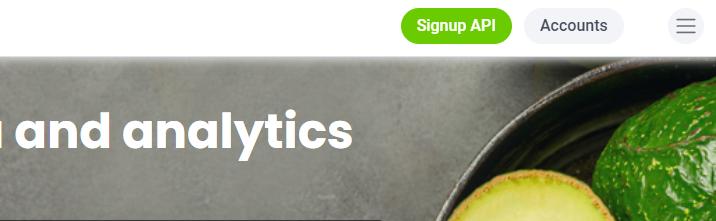
Firstly, once logged in to edamam.com. Select the "Accounts" button on the top right of the page:
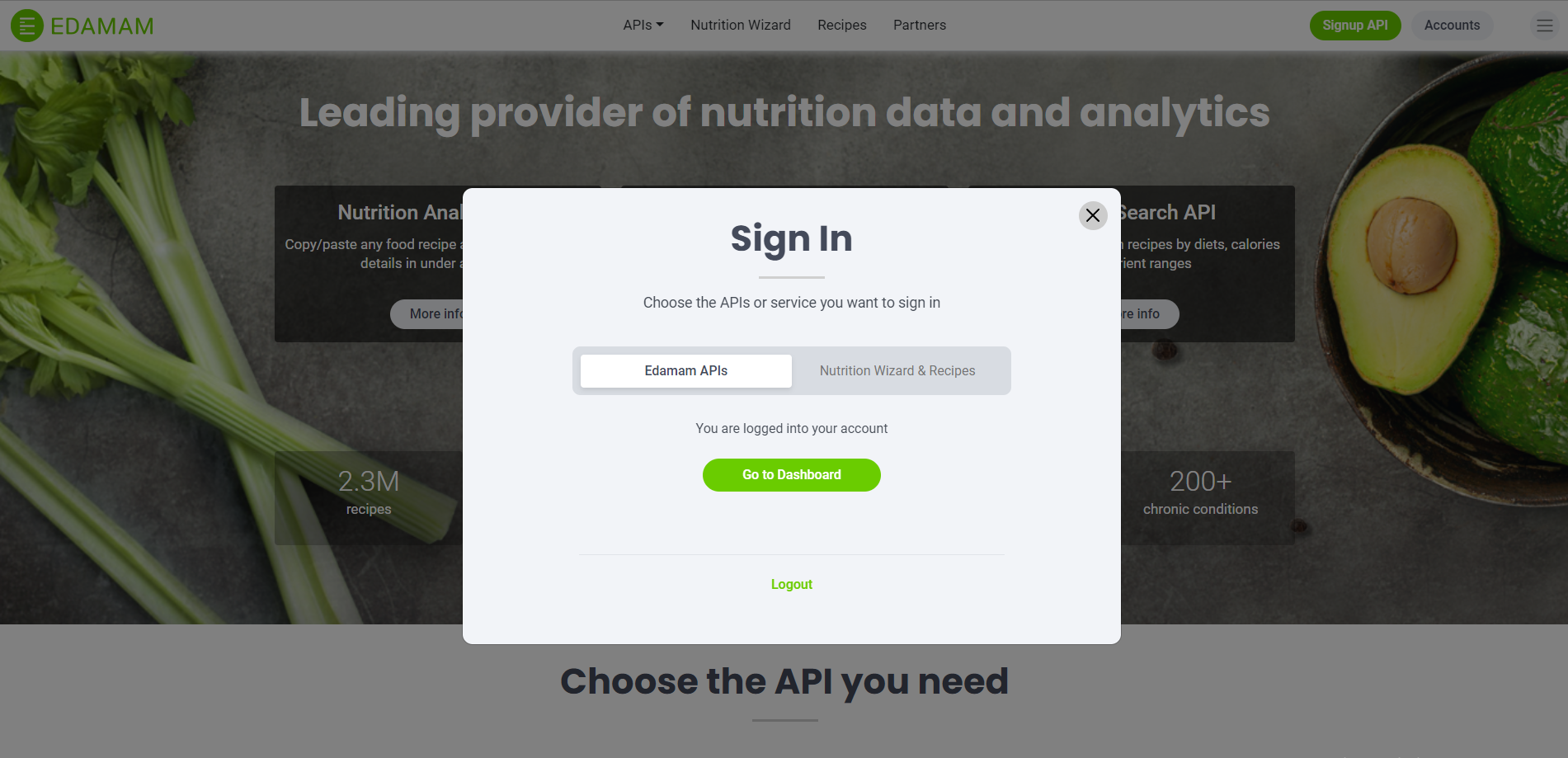
Once selected, a menu will open up, asking you to select which service to login to. Select "Edamam APIs" and then click "Go to Dashboard".
Then, when at your profile dashboard, click on the "Applications" tab in the top right part of the page:

Once on your "Applications" page, you can view your current app_ids and app_keys for all the Applications you have signed up for. You can view the app_keys by clicking on the "view" button next to each application.
If you wish to create new Applications, you can do so by clicking the "Create new Application" button on the Applications page.
Comments
0 comments
Please sign in to leave a comment.