
This article is an explanation on how to use the interactive OpenAPI documentation on the documentation pages for our APIs.
We will be using the Recipe Search API for this guide.
First we start on the homepage https://www.edamam.com
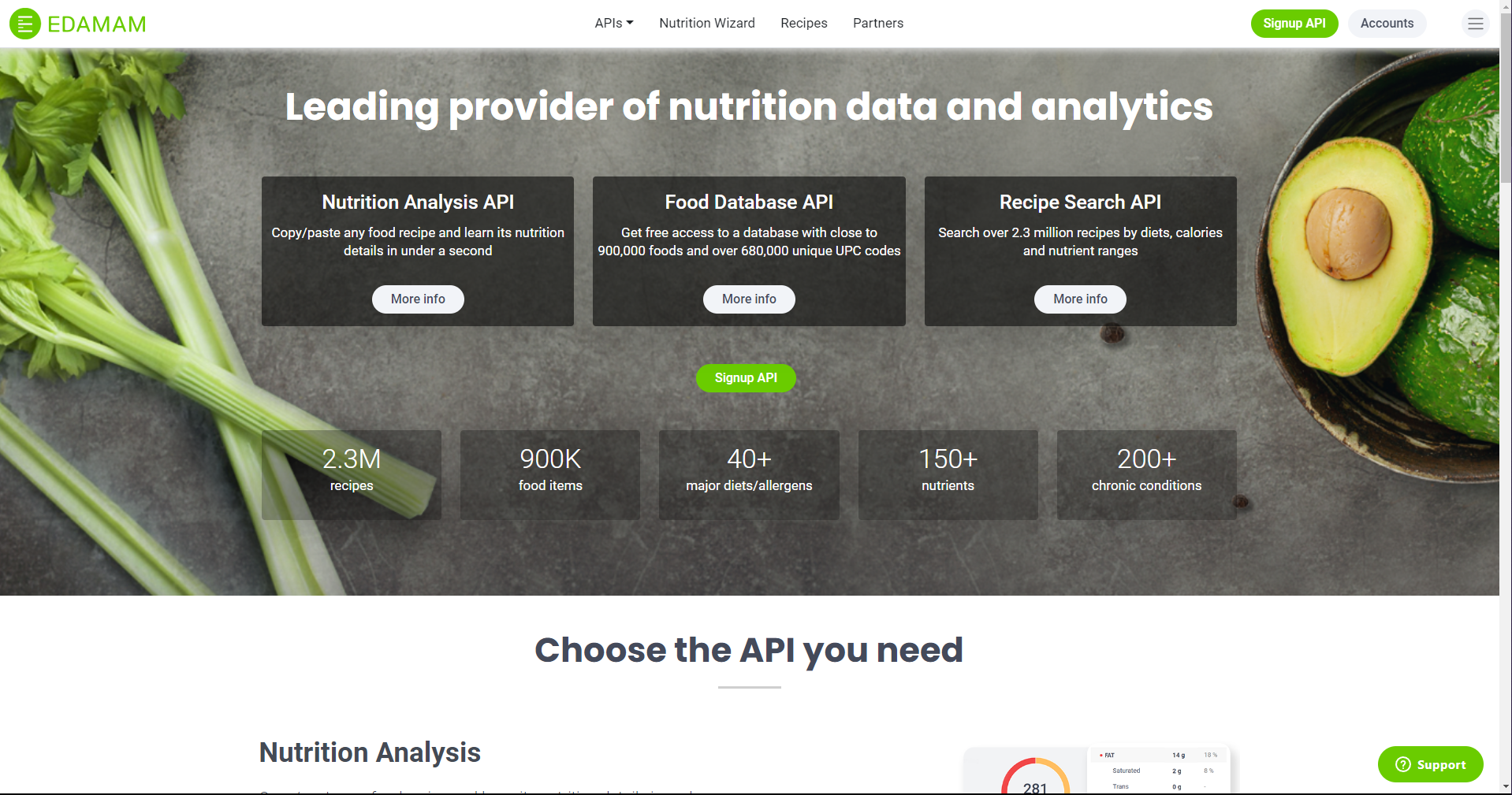
From here, we will click on the "APIs" tab at the top middle of the page.

Then we will select "Recipe Search API."
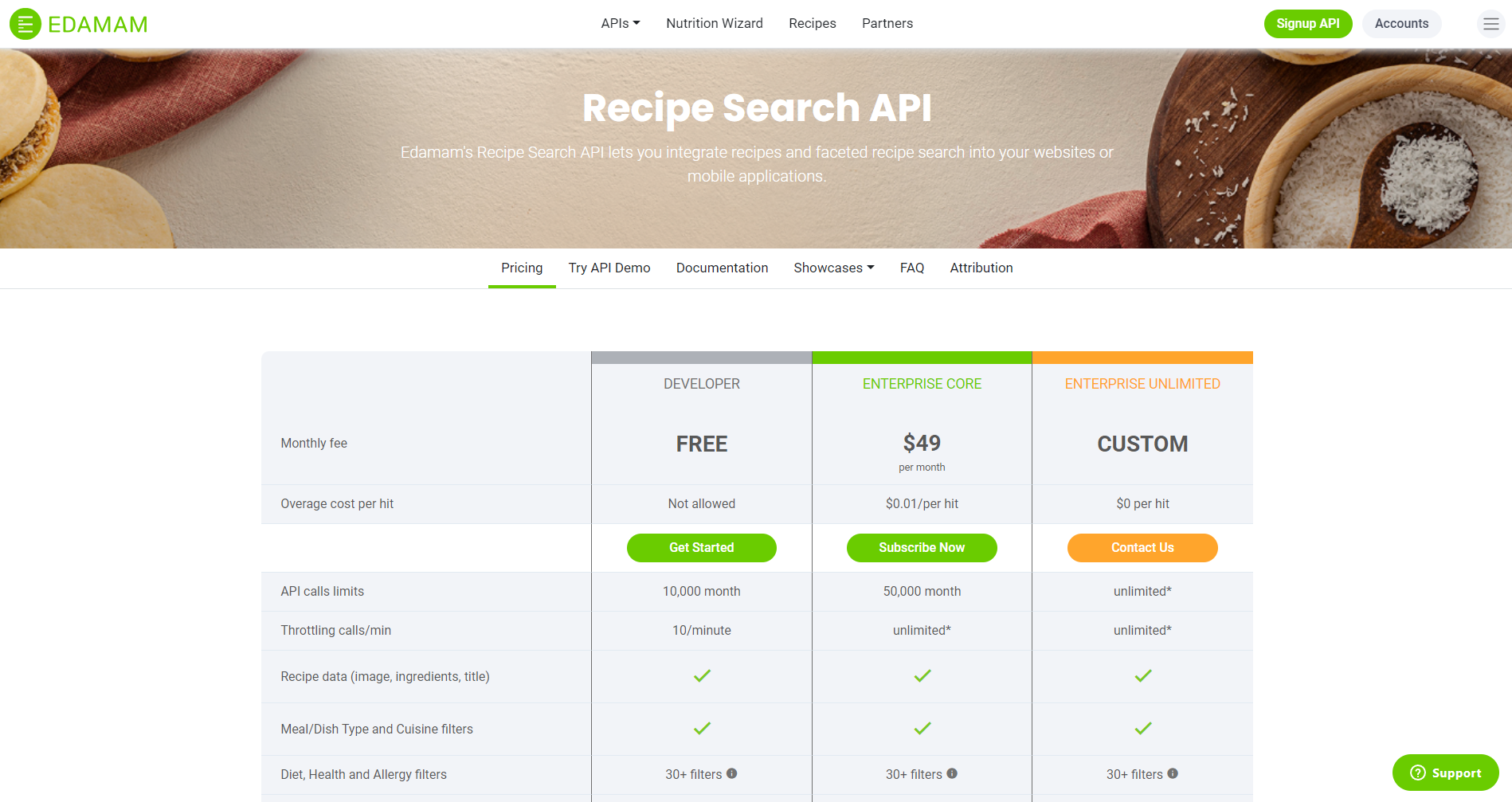
Then, we will select the "Documentation" tab in the center of the screen.
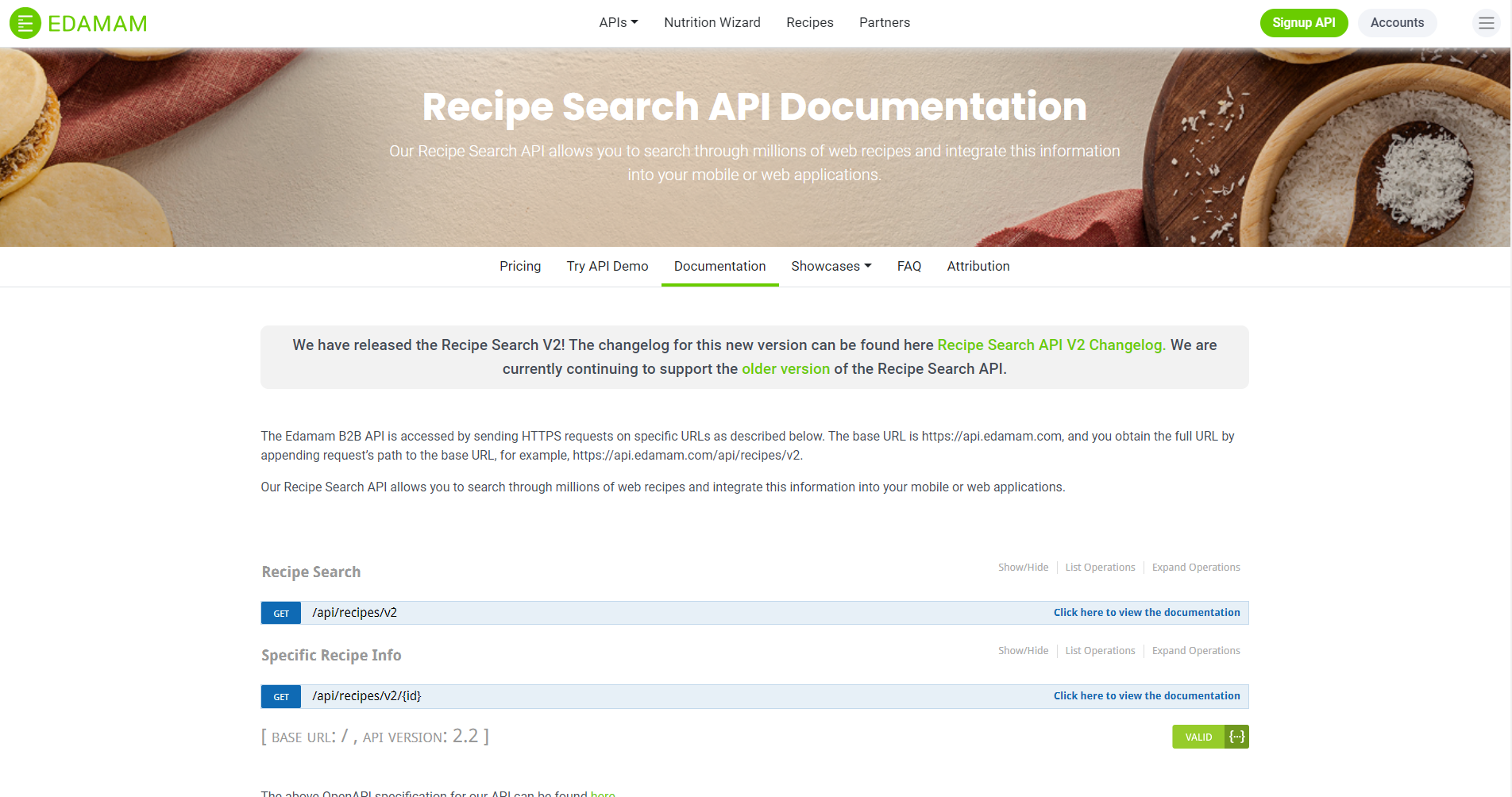
The blue colored bars can be clicked to expand the OpenAPI documentation. The titles above them describe what they do. We will select the first one to expand it.
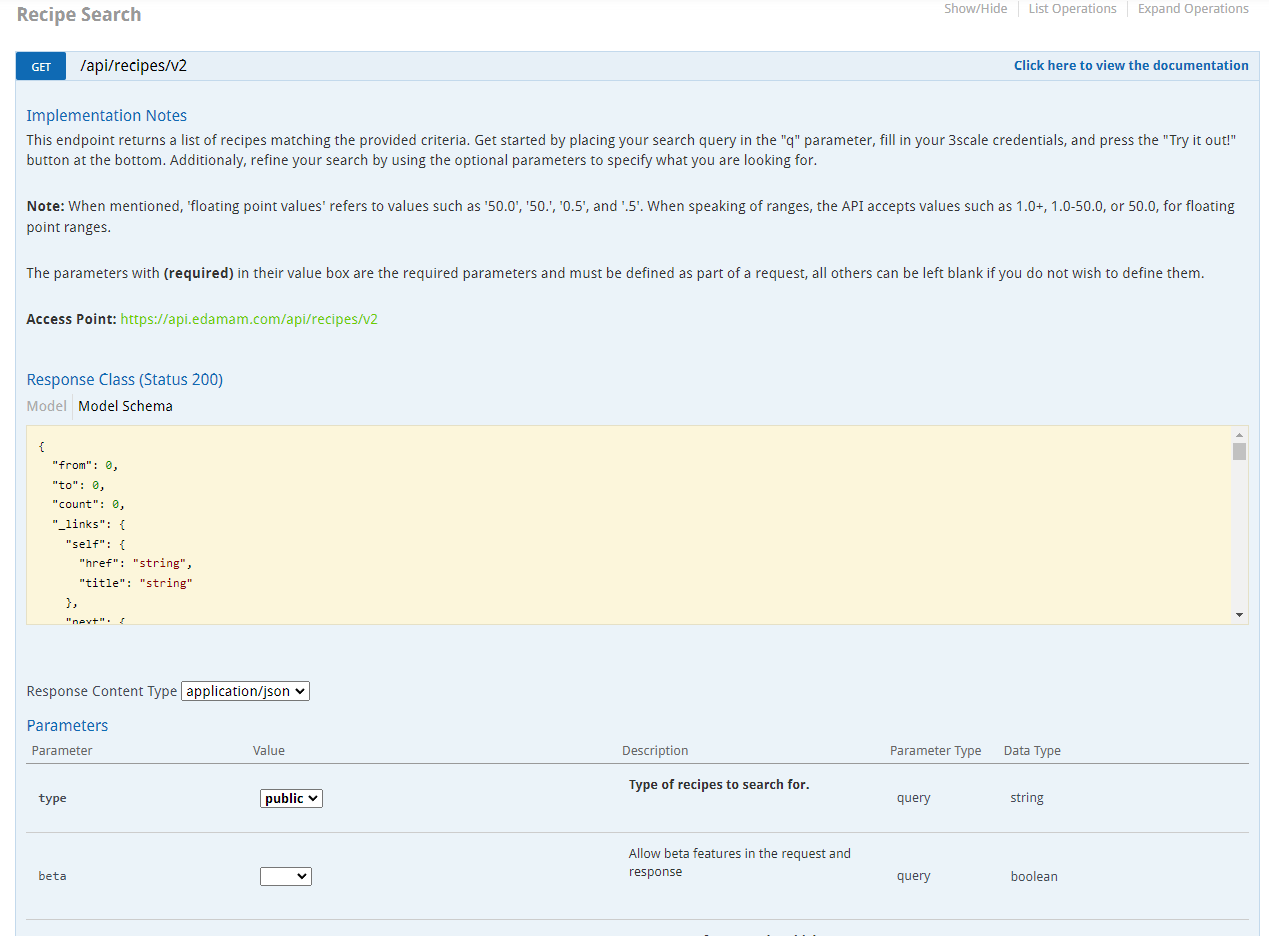
We see the implementation notes for this end point, as well as the actual URL for it. Below is the structure the JSON response should have. Under that, are all the possible parameters that can be included in the request (there are more than pictured), the required parameters will be labeled as such.
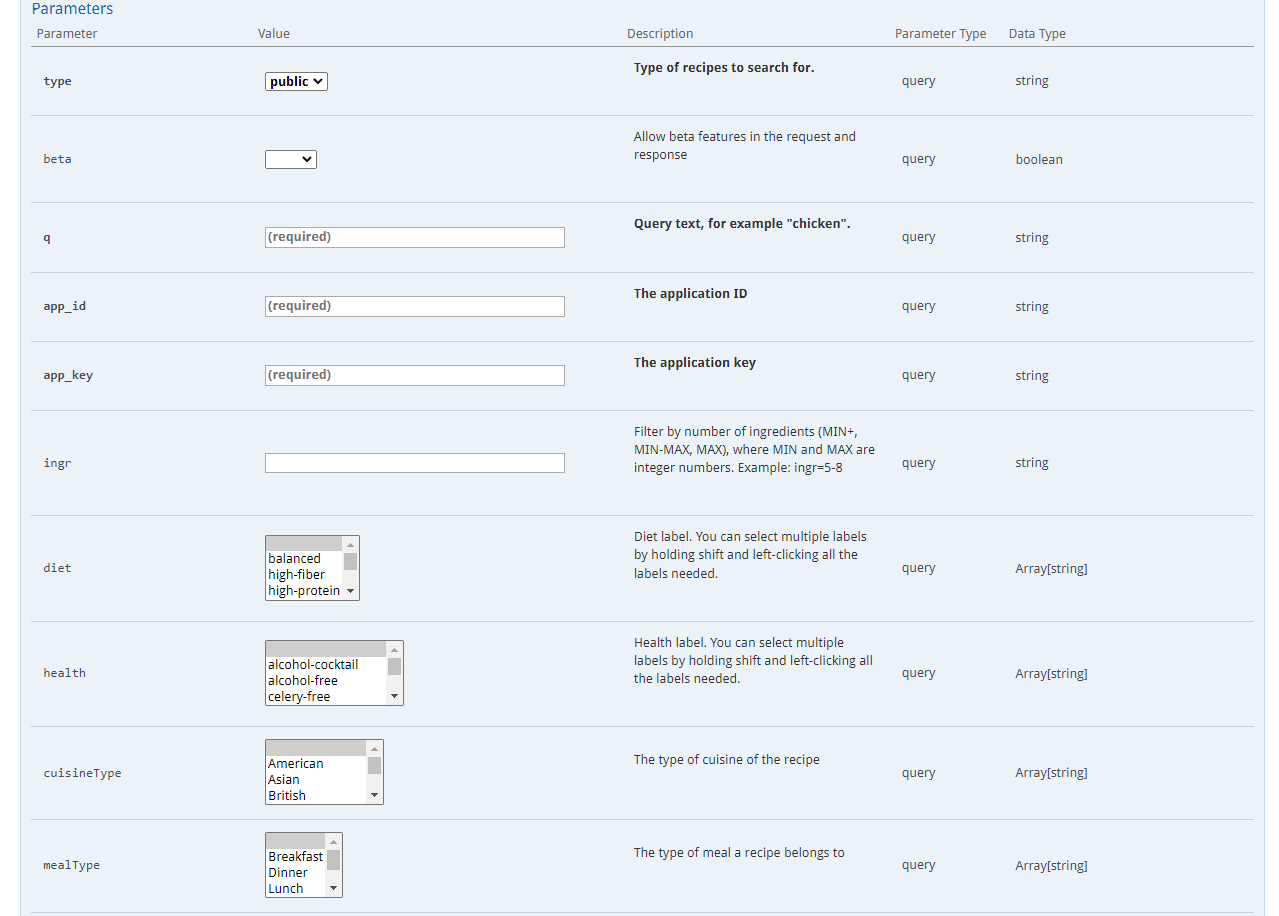
For the purpose of this article. We will only put in values for "q", "app_id", and "app_key". The "q" parameter is the query text as part of your search for recipes, we will use "chicken." The "app_id" and "app_key" are the ones you generated when signing up for an API. How to check your credentials can be seen here: Generating Your App_ID & App_Key – Edamam FAQ (zendesk.com).
If we all the way down to the end of the expanded for this endpoint, we will see the schema of error messages from failed requests. At the very bottom is a "Try it out!" button that will send the request based on the parameters you filled above.
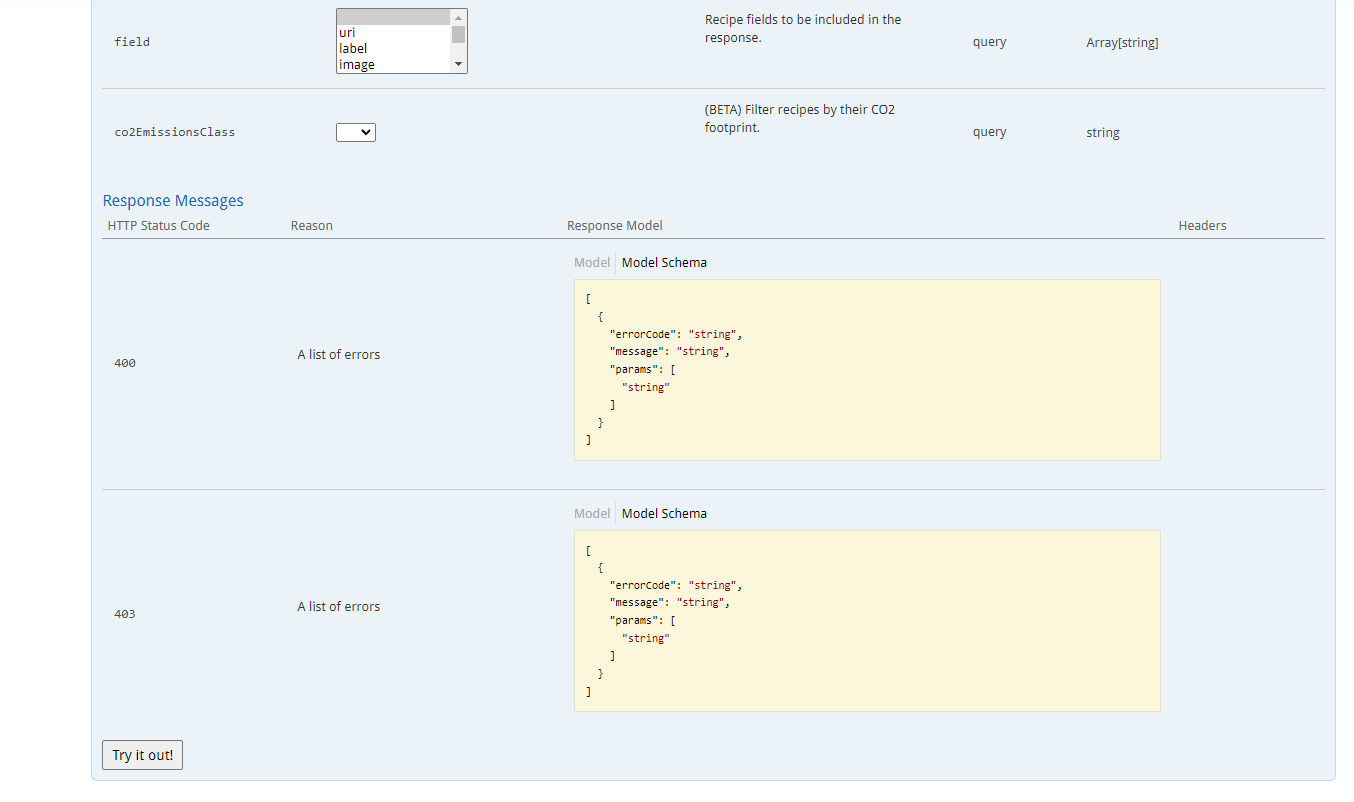
Once selected, this will be displayed:
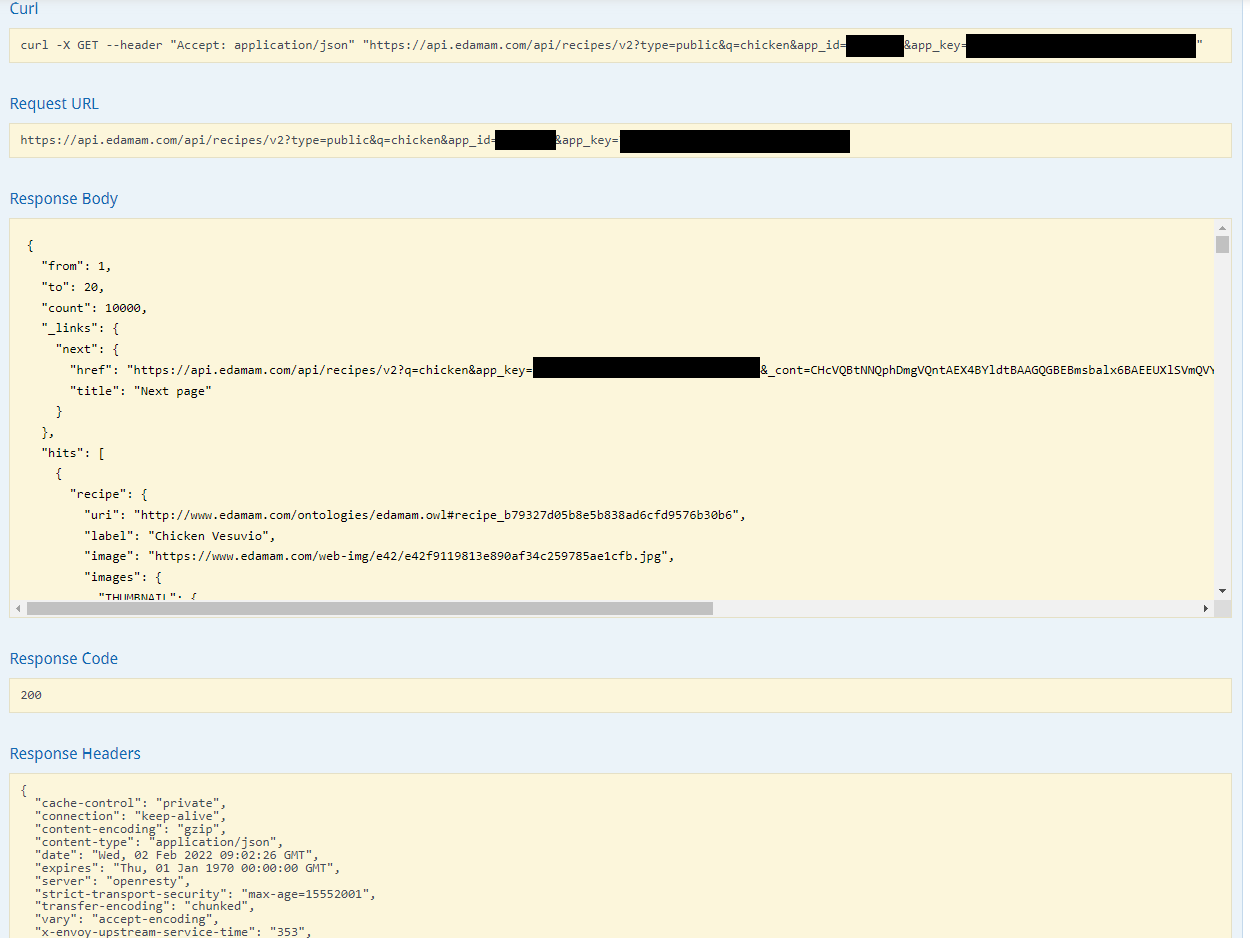
Here we have what the CURL and URL Request should look like based on your search parameters. We also see the Response Body data in JSON format, the response code for this request (if successful it should be a 200), and the Response Headers for the response.
Take a look at the request's Response Body, this should contain results based on your search request.
Use this part of the documentation to get a clearer view of how your implementation should work!
Comments
0 comments
Please sign in to leave a comment.